5 AI Tools Every Developer Should Be Using
These AI tools are changing how we code, debug, and ship products faster than ever.
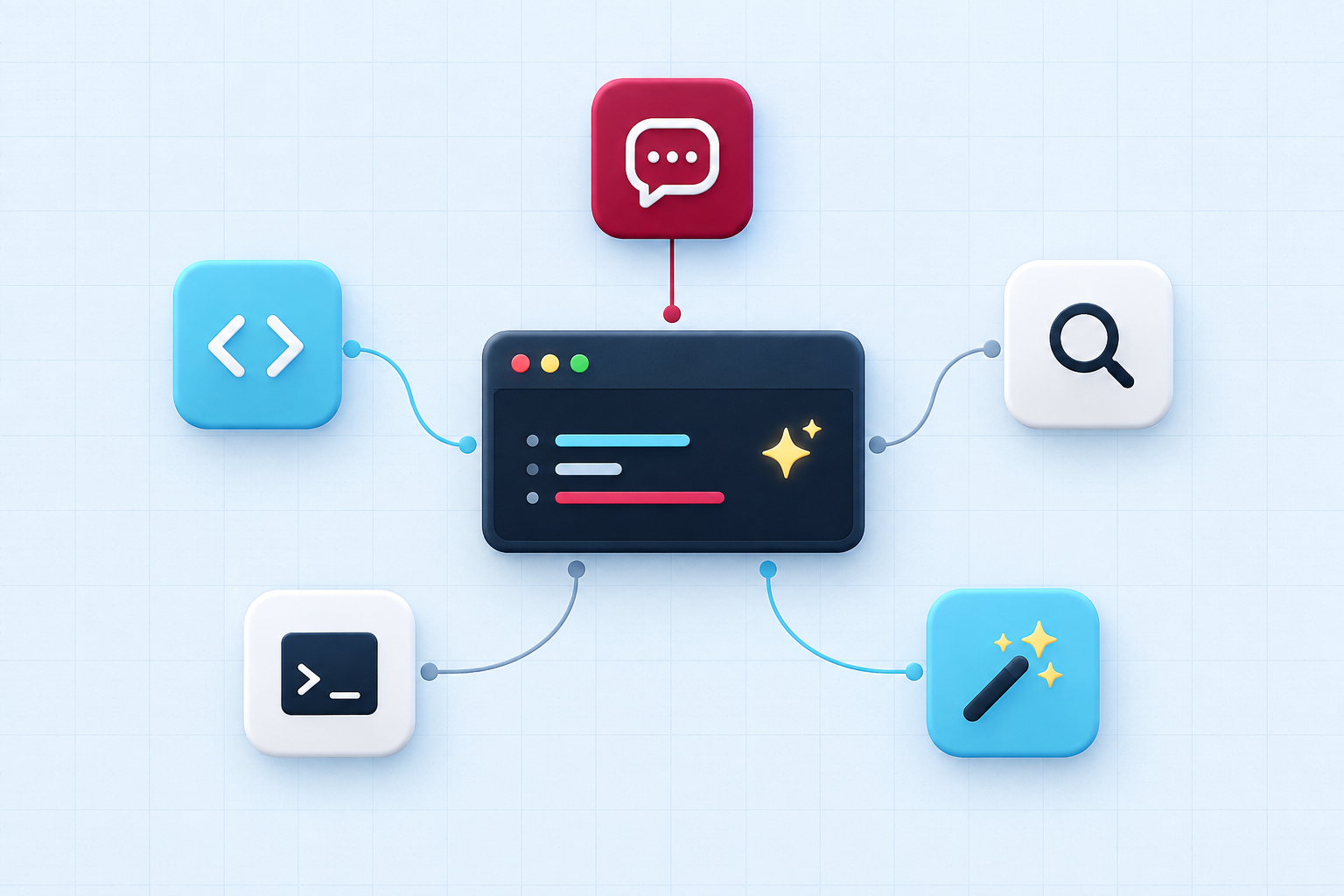
"AI tool for developers" used to mean autocomplete that could finish a variable name for you, and not much more than that. That's not what these tools do anymore. The five below are actually changing how working developers spend their day, not by thinking for them, but by quietly clearing out the parts of coding that never really needed a human in the first place.
If you're building on a laptop in Lagos with a data plan you're watching closely, or from a co-working space in Nairobi where the power isn't always guaranteed, this matters even more. These tools shrink the gap between having an idea and having something that actually works, and that gap is usually the resource you have the least of.
1. An in-editor assistant: Claude Code, Copilot, or Cursor
A good in-editor assistant reads your whole file, sometimes your whole project, not just the line you're currently typing. That means its suggestions actually match your naming conventions, your existing patterns, and whatever libraries you're already using, instead of generating something generic that looks plausible but doesn't fit.
It earns its keep on boilerplate, repetitive CRUD code, test scaffolding, and turning a plan you've already worked out in your head into real code, fast. It's less useful for architecture decisions. It can write you a function in seconds, but it can't tell you whether that function belongs in this service or a completely different one. Keep that call yours, always. The developers who get burned by these tools are usually the ones who let the assistant make structural decisions it was never actually equipped to make.
2. A conversational assistant for debugging: Claude or ChatGPT
Pasting a full stack trace and asking "what's actually happening here" is often faster than digging through Stack Overflow for your exact error message, especially with a less common library or a framework that quietly changed its behavior in a recent update nobody warned you about.
This has also become the closest thing many junior developers have to a senior engineer sitting beside them. Not every team has someone with eight years of experience free to answer a question at 9pm on a Tuesday. Ask it to explain why something broke, not just how to fix it, and you'll actually walk away having learned something instead of just patching today's bug and forgetting it by next week.
3. AI assisted code review
Some tools built into modern review workflows now catch the obvious stuff automatically. A hardcoded secret. An unhandled promise rejection. Inconsistent naming across a file. A suspicious string that looks vulnerable to SQL injection. All of it gets flagged before a human reviewer even opens the pull request.
This doesn't replace review, it changes what review is actually for. Instead of your teammate spending ten minutes catching a typo, they get to spend that time on the two things AI still isn't great at judging: whether the overall approach makes sense, and whether it actually fits how the rest of the system is built.
4. AI for documentation
Turning a finished function into a clear docstring, or a finished feature into a README section someone new can actually follow, is exactly the kind of task AI handles well. You already know what the code does, you're not asking it to think, you're asking it to write down something you understand but don't feel like spending twenty minutes typing out by hand.
This matters more than it sounds on a small team. Documentation is usually the first thing that gets skipped when a deadline is close, and it's also the first thing a new hire, or you yourself six months from now, will badly need and won't have.
5. AI for test generation
Describe what a function is supposed to do, and a decent AI tool will draft unit tests covering the obvious cases, plus a few edge cases you might not have thought to check yourself. Empty input. Unexpected types. Boundary values nobody remembers to test manually.
This is genuinely useful for catching blind spots, but it's not a substitute for reading the tests it hands you. A wrong test that still passes is worse than no test at all, because it gives you false confidence in code that might actually be broken. Read every generated test the way you'd read a junior developer's first pull request, assume most of it is right, and check carefully where it actually matters.
The tools you don't adopt matter too
It's tempting, once you see how much time these save, to hand off everything to AI at once. That usually backfires. The developers getting the most value aren't running five tools simultaneously, they've picked the one or two that solve their actual biggest time sink, and they've kept their judgment firmly attached to everything else. AI adoption that happens gradually, one proven win at a time, tends to stick. Adoption that happens all at once tends to get abandoned within a month.
Try this today
Pick whichever task eats the most of your week, debugging, documentation, or boilerplate, and hand just that one to an AI tool for the next seven days. Measure whether it actually saved you time before adding a second tool to the mix.
Enjoyed this article?
Get practical tech tips and African tech news straight to your inbox. No spam, unsubscribe anytime.
Subscribe to Techmin